Print + cut
Liene PixCut S1
A compact photo and sticker printer with built-in cutting. StixCut supports the PixCut S1 on macOS and Windows.
View on Amazon// What's inside
Take a design to finished stickers in one pass — no cloud, no AI, no compromises.
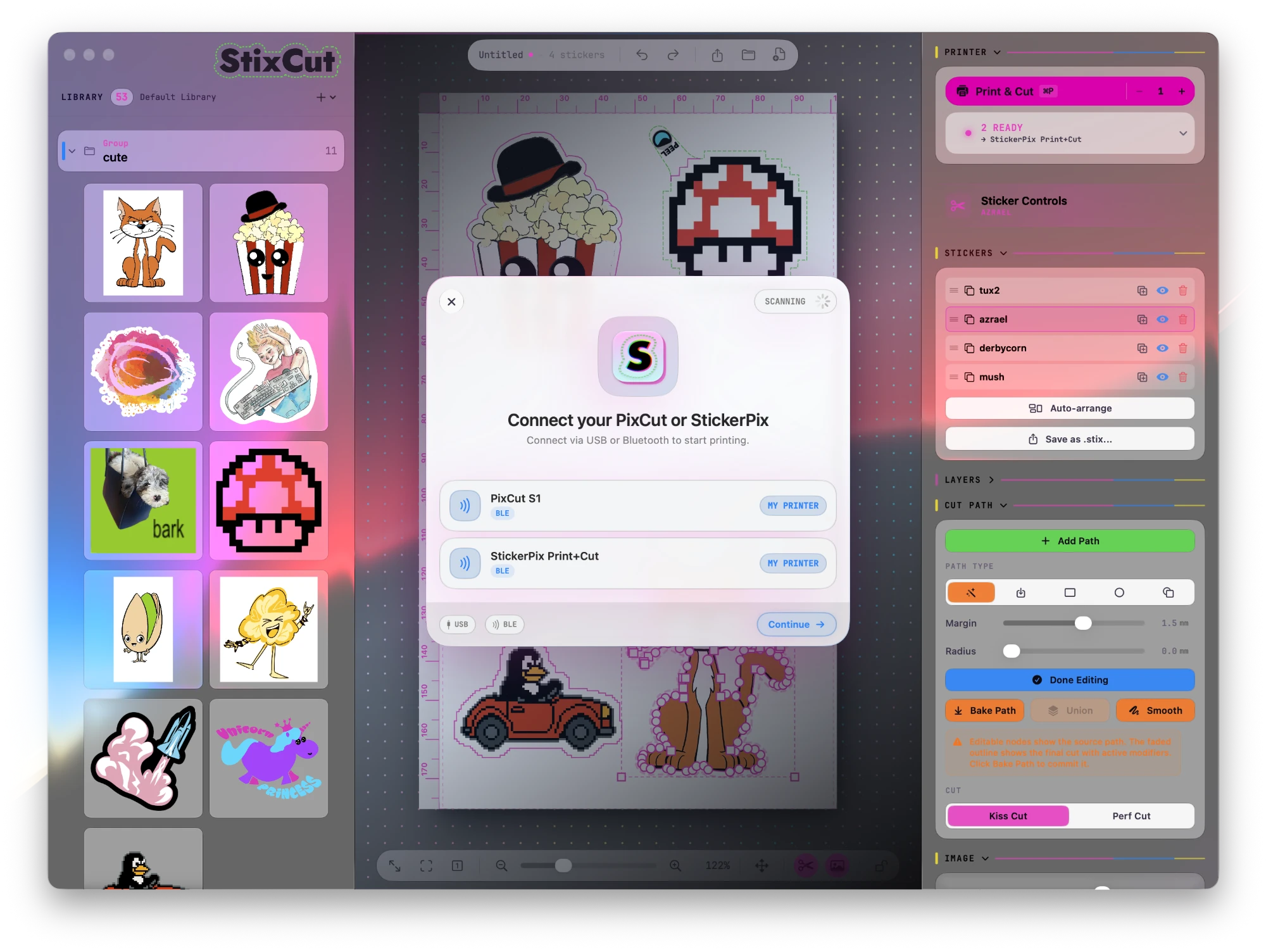
Works with the Cricut StickerPix Print+Cut and Liene PixCut S1 over USB or Bluetooth on macOS and Windows. Discovered automatically, same print and cut workflow. The print-only Cricut StickerPix Print is not supported.
No cloud, no account, no item limits. Your library is a folder on disk — as large as your drive, browsable offline.
Build sticker sheets visually with instant preview and smart snapping.
Fill entire sheets from your library with intelligent bin packing. Shuffle Pack for a random mix, or cycle until every sticker is printed.
Full node editing with multiple cut paths per sticker. Open, split, and join paths at any node, and build custom phone skin, card, and die-cut templates from scratch.
Import SVG files as precision cutlines and align them to your artwork.
Contour cut your stickers with our exclusive perf-cut feature — no extra steps.

Automatic peel-here tabs on any sticker so they're always easy to lift.
Blade pressure presets for official sticker sheets, Oracal 651 white and clear vinyl, and any material you define, fine-tuned per printer.
Connect several StickerPix Print+Cut and PixCut S1 printers at once, even all over USB. Jobs spread across idle printers, and unplugging one never interrupts the others.
Queue many saved .stixcut designs at once, up to 999 sheets each, without opening them one by one. Jobs spread across every available printer.
Add a printable border up to 10 mm in any color, centered, outside, or inside the art. Live Fill Background, Remove Background, and Crop to cut path sit together in the Inspector.
A guided wizard prints a test sheet, measures the offset, and writes the print/cut alignment correction to your printer's firmware. It also stores kiss-cut and perf-cut pressure per printer and per media.
One-click background removal using on-device machine learning on macOS and Windows. Fast, private, included — no image leaves your computer.
Share sticker designs - cut lines and all - in the open .stix format. Save full sheets as .stixcut files, or publish reusable .stixtpl templates with locked cutlines and image placeholders.
// Compatible machines
StixCut works with these all-in-one print-and-cut machines. Shop for the model that fits your workflow.
Print + cut
A compact photo and sticker printer with built-in cutting. StixCut supports the PixCut S1 on macOS and Windows.
View on AmazonPrint + cut
StixCut supports StickerPix Print + Cut on macOS and Windows. The Print-only StickerPix model is not compatible.
Find it on AmazonAmazon bundles and availability can change. Confirm you are buying the StickerPix Print + Cut model, not the Print-only model.
// Get started
Free for light use: all features included. Unlimited printing for 7 days, then up to 3 print jobs per day. No card required. Bring your own StickerPix Print+Cut or PixCut S1.
// Stay in the loop
Get release notes, product updates, and news about StixCut for macOS and Windows.